Microsoft Power BI – PL-300 Certification Program
The Microsoft Power BI – PL-300 Certification Program is designed to help you become a certified Data Analyst capable of…
About Course
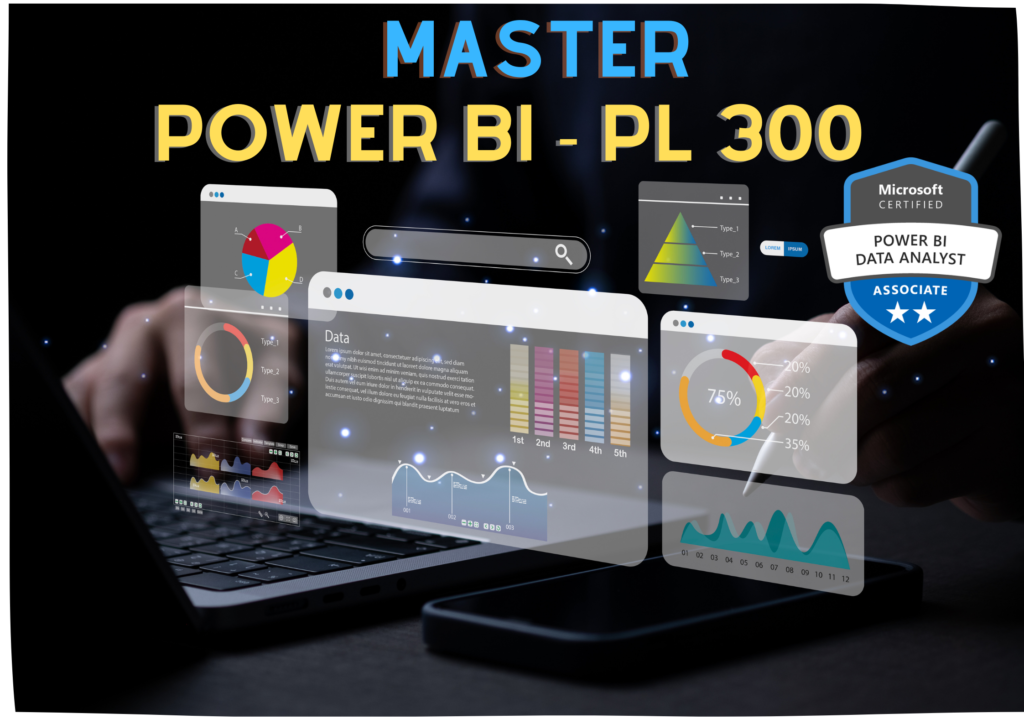
The Microsoft Power BI – PL-300 Certification Program is designed to help you become a certified Data Analyst capable of transforming raw data into meaningful business insights.
This course is fully aligned with the PL-300 exam (Microsoft Power BI Data Analyst Associate) and focuses on data preparation, modeling, visualization, DAX, and deploying enterprise-level dashboards.
You will learn how to connect multiple data sources, clean and transform data, build powerful data models, create interactive dashboards, and share reports securely within organizations.
This is a complete job-oriented Business Intelligence and Data Analytics program.
👨🎓 Who Should Enroll?
-
Freshers looking to start a career in Data Analytics
-
Excel users upgrading to Power BI
-
MIS Executives & Reporting Professionals
-
Business Analysts
-
IT Professionals preparing for PL-300 certification
-
Anyone interested in Data Visualization & Reporting
📚 What You Will Learn
📌 Module 1: Data Preparation (PL-300 Domain 1)
-
Introduction to Business Intelligence
-
Overview of Power BI Ecosystem
-
Power BI Desktop Installation
-
Connecting to Data Sources (Excel, CSV, SQL, Web)
-
Power Query Editor
-
Data Cleaning & Transformation
-
Data Profiling
-
Data Shaping & Merging
-
Append Queries
-
Handling Missing & Duplicate Data
📌 Module 2: Data Modeling (PL-300 Domain 2)
-
Understanding Data Models
-
Relationships (One-to-One, One-to-Many, Many-to-Many)
-
Star Schema vs Snowflake Schema
-
Fact & Dimension Tables
-
Creating Calculated Columns
-
Creating Measures
-
DAX Fundamentals
-
Filter Context & Row Context
-
Time Intelligence Functions
📌 Module 3: Data Visualization & Reporting (PL-300 Domain 3)
-
Creating Interactive Reports
-
Charts & Visualizations
-
Cards, Tables & Matrix
-
Slicers & Filters
-
Drill Through
-
Drill Down
-
Bookmarks
-
Tooltips
-
Conditional Formatting
-
KPI Indicators
-
Custom Visuals
📌 Module 4: Advanced DAX
-
Aggregation Functions
-
CALCULATE Function
-
ALL, FILTER Functions
-
RANKX
-
IF & SWITCH
-
Time Intelligence (YTD, MTD, QTD)
-
Performance Optimization
📌 Module 5: Power BI Service & Deployment (PL-300 Domain 4)
-
Publishing Reports
-
Power BI Service Overview
-
Workspaces
-
Data Refresh
-
Scheduled Refresh
-
Gateways
-
Row-Level Security (RLS)
-
Sharing & Collaboration
-
Power BI Apps
📌 Module 6: Real-Time Projects
-
Sales Dashboard
-
HR Analytics Dashboard
-
Financial Performance Dashboard
-
Inventory Analysis Dashboard
-
KPI Dashboard for Management
🛠 Tools & Technologies Covered
-
Power BI Desktop
-
Power BI Service
-
Power Query
-
DAX
-
Excel Integration
-
SQL (Basic for Data Extraction)
💼 Course Highlights
-
100% Practical & Hands-on Training
-
Real-Time Business Case Studies
-
Industry Dashboard Projects
-
PL-300 Exam-Oriented Preparation
-
Mock Tests & Practice Questions
-
Resume & Interview Preparation
-
Placement Assistance Support
📈 Career Opportunities After Completion
-
Power BI Developer
-
Data Analyst
-
Business Intelligence Analyst
-
MIS Executive
-
Reporting Analyst
-
BI Consultant
Course Content
Power BI – PL 300
-
Refer Description